Forticlientvpninstaller.exe: Download, Install, and Troubleshoot FortiClient VPN

Learn what forticlientvpninstaller.exe is, where to get it safely, and how to install and troubleshoot FortiClient VPN.
forticlientvpninstaller.exe is the Windows installation file used to set up FortiClient VPN. For a safer download, get the installer through Fortinet’s official product downloads page or follow the link provided by your workplace or school. Avoid EXE files from unfamiliar download sites, since an installer’s filename alone does not confirm that it is genuine.
Compare the safest ways to obtain forticlientvpninstaller.exe
| Source | Safety | Version confidence | Best for | Caution |
|---|---|---|---|---|
| Fortinet official website | Highest | Current listed release | Most users | Confirm the page is Fortinet’s |
| Employer or school IT portal | High if verified | Organization-approved | Managed devices | Follow IT instructions |
| Link from IT support | Depends on sender | May be organization-specific | Guided setup | Verify the sender first |
| Third-party download site | Uncertain | May be outdated | Not recommended | Avoid repackaged installers |
| File-sharing link | Low | Unknown | Not recommended | May contain altered files |
| Search-result download button | Uncertain | Unknown | Not recommended | Ads can imitate download links |
Compiled November 2026; check the provider's site for current details.
| VPN | Obfuscation | From / month | Plan | Free plan | Refund | Alipay | UnionPay | Crypto | Website opens in China | Trustpilot | |
|---|---|---|---|---|---|---|---|---|---|---|---|
 ZoogVPN | Turn on manually Shadow | $2.49/mo | 27 months: $59.99 | Yes | 7 days | ✓ | ✓ | ✓ | ✓ | Official site blocked; our special link opens (4.4 s) | 4.2/5 (195 reviews) |
 NordVPN | Turn on manually Obfuscated Servers / NordWhisper | $3.49/mo | 27 months: $94.23 | No | 30 days | ? | ✗ | ✓ | ✓ | ✗ Blocked | 4.2/5 (51,628 reviews) |
 ExpressVPN | ✓ On by default all servers | $3.00/mo | 28 months: $84 | No | 30 days | ✗ | ✗ | ✓ | ✗ | ✗ Blocked | 4.4/5 (29,706 reviews) |
 Surfshark | ✓ On by default Camouflage, with OpenVPN | See site | See site | No | 30 days | ✗ | ✗ | ✗ | ✓ | ✗ Blocked | 4.3/5 (31,823 reviews) |
 Proton VPN | Turn on manually Stealth, free plan too | $2.99/mo | 12 months: $35.88 | Yes | 30 days | ✗ | ✗ | ✗ | ✓ | ✗ Blocked | 2.1/5 (1,040 reviews) |
 Astrill VPN | Turn on manually StealthVPN / OpenWeb | $12.50/mo | 24 months: $300 | No | See site | ✗ | ✗ | ✗ | ✓ | ✗ Blocked | 1.3/5 (110 reviews) |
 Private Internet Access | Turn on manually Shadowsocks, OpenVPN only | $2.03/mo | 40 months: $81.2 | No | 30 days | ✗ | ✗ | ✗ | ✗ | ✗ Blocked | 4.2/5 (11,033 reviews) |
 CyberGhost | Turn on manually selected servers | $2.19/mo | 28 months: $61.32 | No | 45 days | ✗ | ✗ | ✗ | ✓ | ✗ Blocked | 4.0/5 (24,178 reviews) |
 PureVPN | Turn on manually switch to OpenVPN | $1.69/mo | 60 months: $101.55 | No | 31 days | ? | ? | ✗ | ✓ | ✗ Blocked | 4.4/5 (17,994 reviews) |
 AdGuard VPN | ✓ On by default TrustTunnel | $2.99/mo | 24 months: $71.76 | Yes | 30 days | ✓ | ✗ | ✓ | ✓ | Official site blocked; our special link opens (3.7 s) | 4.3/5 (290 reviews) |
 Mullvad | Turn on manually QUIC / Shadowsocks / LWO | $5.61/mo | €5/mo | No | 14 days | ✗ | ✗ | ✗ | ✓ | ✗ Blocked | 3.2/5 (192 reviews) |
 Windscribe | Turn on manually Stealth / WStunnel | $5.75/mo | 12 months: $69 | Yes | See site | ✗ | ✗ | ✗ | ✓ | ✗ Blocked | 4.7/5 (13,355 reviews) |
 StrongVPN | Turn on manually Scramble, OpenVPN TCP | See site | See site | No | 30 days | ✓ | ✗ | ✗ | ✗ | ✗ Blocked | 4.4/5 (2,695 reviews) |
 LightXtreme 闪连 | Not listed | $7.08/mo | 12 months: $84.99 | Yes | 30 days | ✓ | ✓ | ✓ | ✓ | ✓ Yes (3.5 s) | No page |
Prices checked 2026-11-10 on each vendor's pricing page (cheapest long plan, USD). Check the vendor's checkout for the final price.
Obfuscation checked 2026-11-14 on each vendor's site and help center: "on by default" = nothing to set; "turn on manually" = switch protocol or mode in settings; "not listed" = the vendor describes no obfuscation.
Payment methods checked 2026-11-10 on each vendor's payment pages: all 14 take cards and PayPal; ✗ = not listed, ? = the vendor's own pages disagree.
China access: whether the official website opens from mainland China networks (tests the website only, not the VPN connection). Last checked 2026-11-18 01:02 Beijing time.
Trustpilot score and review count checked 2026-11-10.
What forticlientvpninstaller.exe does
The EXE installs FortiClient on a Windows computer. FortiClient VPN lets you connect to a remote network through a VPN configuration supplied by an organization. The installer may be a standalone VPN installer or a package prepared for managed deployment.
The exact features and installation options can depend on the FortiClient version and the package you receive. Fortinet’s CLI documentation describes an EXE installer that can include custom modifications made when an organization creates a deployment package. If your IT team provides a specific installer, use that version rather than substituting a general-purpose download.
FortiClient is also described as a security and privacy program with VPN capabilities. Do not assume every installer includes identical features or settings: check the product description and your organization’s instructions.
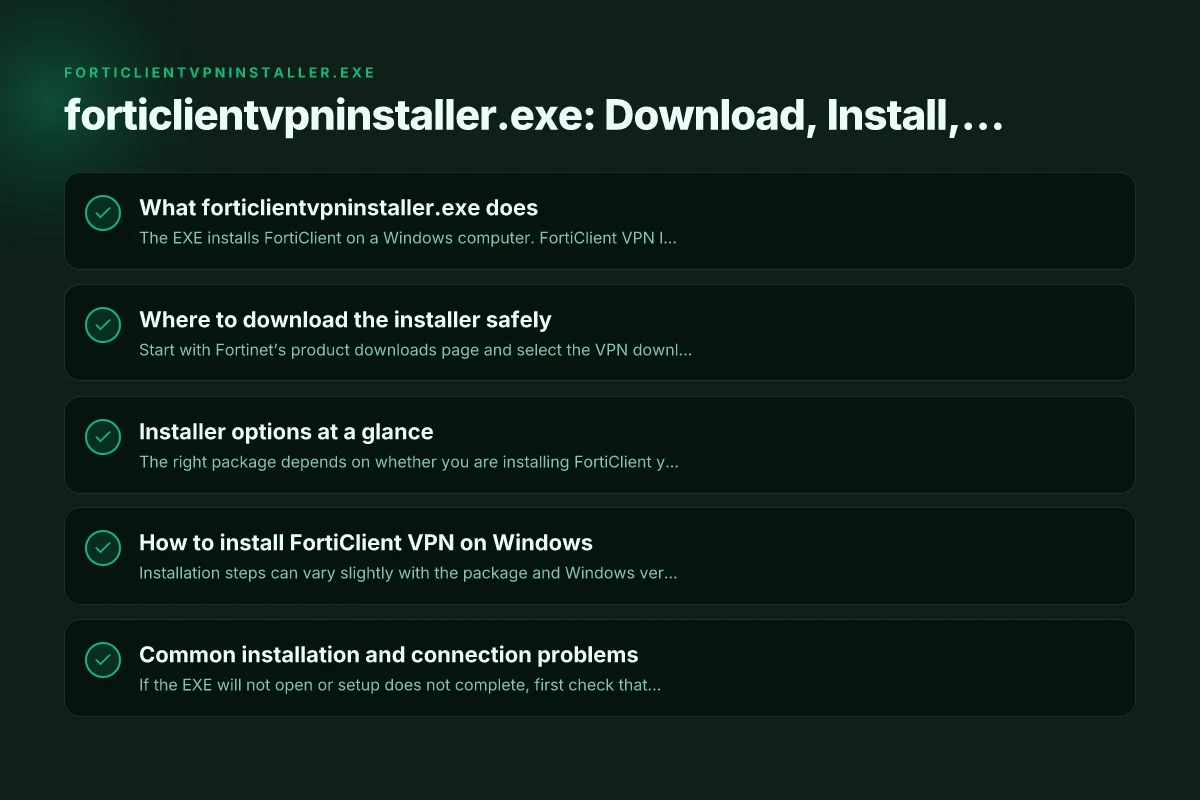
Where to download the installer safely
Start with Fortinet’s product downloads page and select the VPN download for your operating system. A university or employer may also publish an approved installation guide that links to the correct installer. For example, institutional guides direct users to Fortinet’s VPN download page and then explain how to configure access for their network. VPN to Change Location Free: What Works and What to Check
Before opening a downloaded file:
- Confirm you got it from Fortinet or a source your organization explicitly approves.
- Check that it is intended for Windows and matches the deployment instructions you were given.
- Avoid download links in unsolicited messages and third-party mirrors you cannot verify.
- If your organization provided the file, ask IT to confirm it is the current approved package if you are unsure.
The search results also include third-party download and tutorial pages. Those may offer guidance, but the safest choice is to verify the installer with Fortinet or your organization rather than relying on a filename or an unfamiliar hosting link.
Compare installer choices before installing FortiClient VPN
| Choice | What it means | Suitable when | Check before proceeding |
|---|---|---|---|
| Official FortiClient VPN installer | Installer obtained from Fortinet | Installing the VPN client | Confirm the product and source |
| Organization-provided installer | Package supplied by your IT team | Work or school VPN access | Confirm it is approved for your device |
| VPN-only setup | Install and configure VPN access | You only need remote access | Obtain connection details from IT |
| Broader FortiClient package | May include features beyond VPN | IT specifically requires it | Check which components are included |
| Existing FortiClient installation | Client is already present | Repairing or updating setup | Check for version or policy conflicts |
| Unknown third-party package | Unverified installer source | Not recommended | Do not run if the source is unclear |
Compiled November 2026; check the provider's site for current details. How Can I Tell If a VPN Is Blocking My Internet?
Installer options at a glance
The right package depends on whether you are installing FortiClient yourself or deploying it under an organization’s management.
| Installer source or type | Best suited for | What to check |
|---|---|---|
| Fortinet VPN download | Individual users setting up VPN | Select the Windows VPN option and follow the current instructions |
| Organization-provided EXE | Employees, students, or managed devices | Confirm it comes from your IT team and includes the required configuration |
| Third-party download | Generally not recommended unless explicitly approved | Verify the source with Fortinet or your IT administrator before running it |
If you are unsure which option applies, ask your help desk. A managed installer may be configured for a particular organization, while a standard VPN installer may require you to enter connection details yourself.
How to install FortiClient VPN on Windows
Installation steps can vary slightly with the package and Windows version. In general:
- Download the approved FortiClient VPN installer.
- Find the downloaded EXE and open it.
- Approve the Windows security prompt only if you trust the file and its source.
- Follow the setup prompts. If the installer offers components or options you do not understand, check your organization’s instructions before changing them.
- Complete setup and open FortiClient.
- Enter the VPN connection settings provided by your organization, if they are not already included in the package.
- Connect and follow any sign-in or verification steps required by your network.
You may need an organization-provided server address, sign-in credentials, or other connection details. Do not guess these values: ask your IT administrator for the correct configuration. A successful installation does not necessarily mean the VPN is ready to connect. NordVPN for Windows: How to Download, Install, and Use It
Common installation and connection problems
If the EXE will not open or setup does not complete, first check that the download finished and that you have the correct installer for your device. If Windows blocks the file, do not bypass the warning unless you have confirmed its source with Fortinet or your organization.
For connection problems, check that:
- You are using the correct VPN configuration and server details.
- Your username, password, and any required verification step are current.
- Your organization allows your account and device to use VPN access.
- You have followed any network or setup instructions supplied by IT.
If FortiClient was previously installed and will not reinstall or update, avoid downloading removal utilities from unofficial sites. Fortinet’s support resources include guidance on obtaining FortiClient and FCRemove.exe. Use the removal tool only when appropriate for your situation and from a verified Fortinet source or through IT support.
When a managed computer is involved, contact your organization before uninstalling or changing FortiClient. Removing a configured client can disrupt access or leave the device out of compliance with local support requirements. Microsoft Edge Secure Network VPN Reviews: Is It Safe and Worth Using?
Troubleshoot installation and connection issues
| Symptom | Possible cause | What to try | When to contact IT |
|---|---|---|---|
| Installer will not open | Incomplete or blocked download | Download again from an approved source | If it remains blocked |
| Installation fails | Permissions or device policy | Follow approved installation instructions | If admin access is required |
| VPN settings are missing | Configuration was not provided | Request the correct connection details | When setup information is unavailable |
| Connection is rejected | Credentials or access issue | Check credentials and account status | If access continues to fail |
| VPN will not connect | Network or VPN configuration issue | Check internet access and supplied settings | If settings appear correct |
| VPN disconnects repeatedly | Unstable network or managed policy | Try a stable network and retry | If disconnections persist |
| Unsure whether installer is safe | Source cannot be verified | Stop and verify with Fortinet or IT | Before opening the file |
Compiled November 2026; check the provider's site for current details.
Recommendation
Download forticlientvpninstaller.exe from Fortinet’s official VPN download page or your organization’s approved source, then follow the matching setup guide. If you are uncertain about the correct package, configuration, or a security warning, stop and ask your IT administrator before running the file.