NordVPN for Windows: How to Download, Install, and Use It
Learn how to install NordVPN on Windows, connect to a server, and troubleshoot common connection issues.
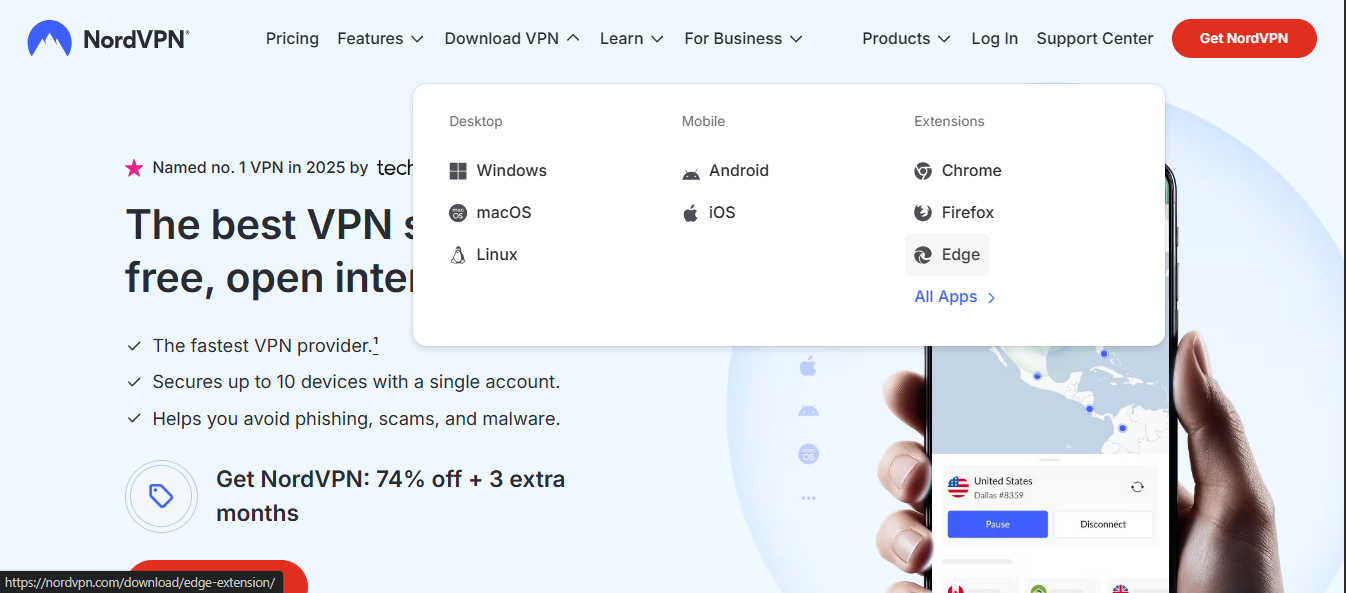
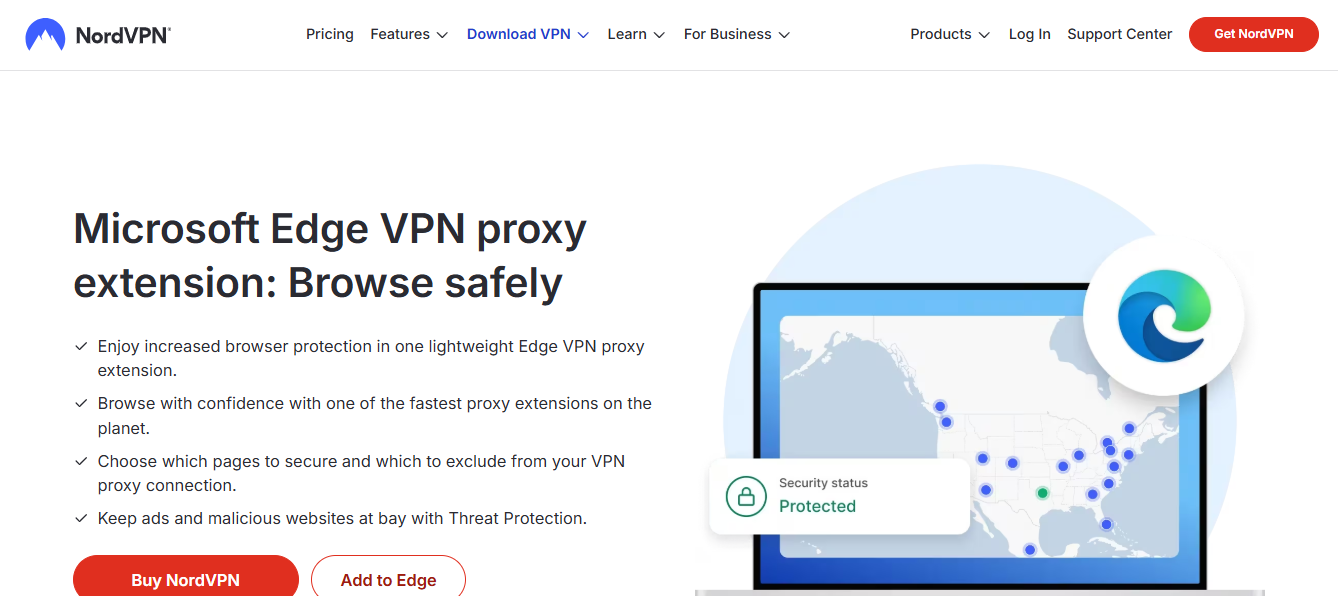
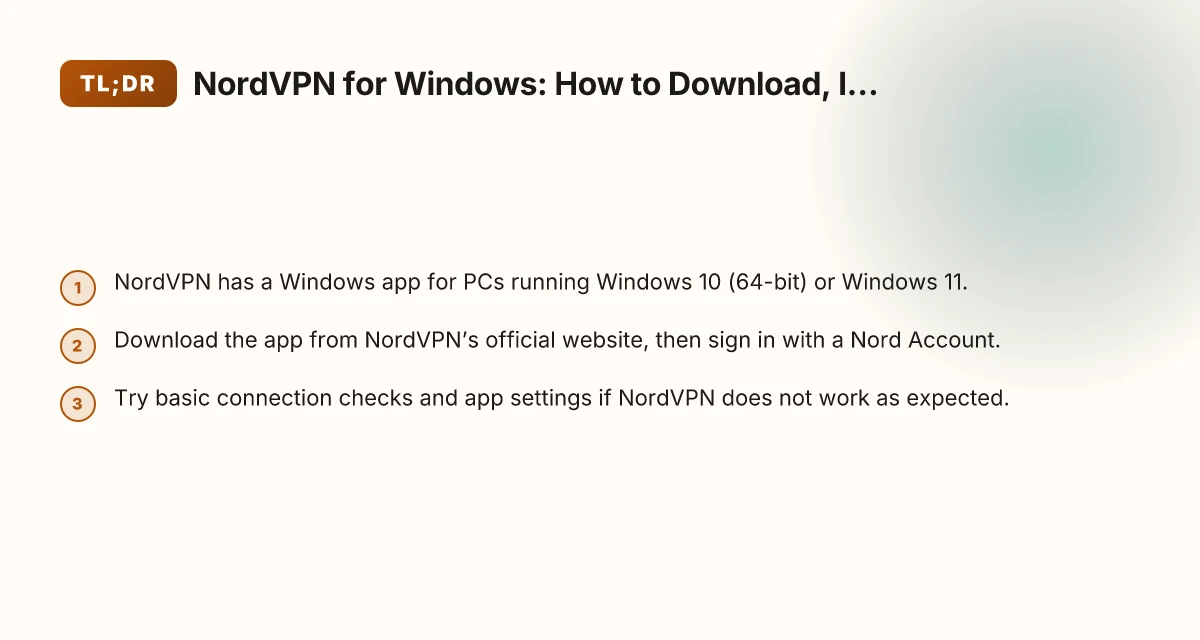
NordVPN works on Windows PCs, including devices running Windows 10 (64-bit) and Windows 11. To get started, download the Windows app from NordVPN’s official website, install it, and sign in with your Nord Account. You’ll need an internet connection during setup. Once connected to a VPN server, the app helps encrypt your internet traffic and change the IP address visible to websites.
Compare NordVPN connection options on Windows
| Option | What it does | Best for | Setup | Notes |
|---|---|---|---|---|
| Quick Connect | Chooses a server automatically | Getting connected quickly | One click | Uses NordVPN’s suggested connection |
| Country selection | Connects through a chosen country | Choosing a location | Select a country | Available locations depend on the app |
| Server selection | Connects through a chosen server | Picking a specific server | Select a server | Offers more control than Quick Connect |
| Specialty servers | Provides servers for specific needs | Matching a particular use | Select a specialty server | Availability varies by feature and location |
| Pause VPN | Temporarily stops the VPN connection | Briefly using the regular connection | Pause in the app | VPN protection is paused |
| Disconnect | Ends the VPN connection | Returning to an unprotected connection | Select Disconnect | Internet traffic no longer uses the VPN |
Compiled November 2026; check the provider's site for current details.
| VPN | Obfuscation | From / month | Plan | Free plan | Refund | Alipay | UnionPay | Crypto | Website opens in China | Trustpilot | |
|---|---|---|---|---|---|---|---|---|---|---|---|
 NordVPN | Turn on manually Obfuscated Servers / NordWhisper | $3.49/mo | 27 months: $94.23 | No | 30 days | ? | ✗ | ✓ | ✓ | ✗ Blocked | 4.2/5 (51,628 reviews) |
 ZoogVPN | Turn on manually Shadow | $2.49/mo | 27 months: $59.99 | Yes | 7 days | ✓ | ✓ | ✓ | ✓ | Official site blocked; our special link opens (4.4 s) | 4.2/5 (195 reviews) |
 ExpressVPN | ✓ On by default all servers | $3.00/mo | 28 months: $84 | No | 30 days | ✗ | ✗ | ✓ | ✗ | ✗ Blocked | 4.4/5 (29,706 reviews) |
 Surfshark | ✓ On by default Camouflage, with OpenVPN | See site | See site | No | 30 days | ✗ | ✗ | ✗ | ✓ | ✗ Blocked | 4.3/5 (31,823 reviews) |
 Proton VPN | Turn on manually Stealth, free plan too | $2.99/mo | 12 months: $35.88 | Yes | 30 days | ✗ | ✗ | ✗ | ✓ | ✗ Blocked | 2.1/5 (1,040 reviews) |
 Astrill VPN | Turn on manually StealthVPN / OpenWeb | $12.50/mo | 24 months: $300 | No | See site | ✗ | ✗ | ✗ | ✓ | ✗ Blocked | 1.3/5 (110 reviews) |
 Private Internet Access | Turn on manually Shadowsocks, OpenVPN only | $2.03/mo | 40 months: $81.2 | No | 30 days | ✗ | ✗ | ✗ | ✗ | ✗ Blocked | 4.2/5 (11,033 reviews) |
 CyberGhost | Turn on manually selected servers | $2.19/mo | 28 months: $61.32 | No | 45 days | ✗ | ✗ | ✗ | ✓ | ✗ Blocked | 4.0/5 (24,178 reviews) |
 PureVPN | Turn on manually switch to OpenVPN | $1.69/mo | 60 months: $101.55 | No | 31 days | ? | ? | ✗ | ✓ | ✗ Blocked | 4.4/5 (17,994 reviews) |
 AdGuard VPN | ✓ On by default TrustTunnel | $2.99/mo | 24 months: $71.76 | Yes | 30 days | ✓ | ✗ | ✓ | ✓ | Official site blocked; our special link opens (3.7 s) | 4.3/5 (290 reviews) |
 Mullvad | Turn on manually QUIC / Shadowsocks / LWO | $5.61/mo | €5/mo | No | 14 days | ✗ | ✗ | ✗ | ✓ | ✗ Blocked | 3.2/5 (192 reviews) |
 Windscribe | Turn on manually Stealth / WStunnel | $5.75/mo | 12 months: $69 | Yes | See site | ✗ | ✗ | ✗ | ✓ | ✗ Blocked | 4.7/5 (13,355 reviews) |
 StrongVPN | Turn on manually Scramble, OpenVPN TCP | See site | See site | No | 30 days | ✓ | ✗ | ✗ | ✗ | ✗ Blocked | 4.4/5 (2,695 reviews) |
 LightXtreme 闪连 | Not listed | $7.08/mo | 12 months: $84.99 | Yes | 30 days | ✓ | ✓ | ✓ | ✓ | ✓ Yes (3.5 s) | No page |
Prices checked 2026-11-10 on each vendor's pricing page (cheapest long plan, USD). Check the vendor's checkout for the final price.
Obfuscation checked 2026-11-14 on each vendor's site and help center: "on by default" = nothing to set; "turn on manually" = switch protocol or mode in settings; "not listed" = the vendor describes no obfuscation.
Payment methods checked 2026-11-10 on each vendor's payment pages: all 14 take cards and PayPal; ✗ = not listed, ? = the vendor's own pages disagree.
China access: whether the official website opens from mainland China networks (tests the website only, not the VPN connection). Last checked 2026-11-18 01:02 Beijing time.
Trustpilot score and review count checked 2026-11-10.
What NordVPN for Windows does
A VPN app creates an encrypted connection between your device and a VPN server. This can help protect traffic when you browse, work, or stream, especially on networks you don’t control. It also routes your connection through the server you select, so websites generally see the server’s IP address rather than your usual one.
The Windows app brings these controls together in one place. You can connect to a server and manage the VPN connection from your PC. A VPN does not make you completely anonymous or replace good security habits: continue to use strong, unique passwords, keep Windows and other software updated, and be alert to suspicious links and downloads.
How to download and install NordVPN
Before installing, check that your PC meets the stated system requirement and has a working internet connection. Use NordVPN’s official download page to get the Windows app.
- Open NordVPN’s Windows download page in your browser.
- Download the installer and open it.
- Follow the on-screen instructions to install the app.
- Launch NordVPN and log in with your Nord Account.
- Choose a server or use the app’s connection option to get started.
If you don’t have a Nord Account, you’ll need to create one before you can log in. For the latest setup instructions, consult NordVPN Support, since app screens and settings may change over time. Microsoft Edge Secure Network VPN Reviews: Is It Safe and Worth Using?
| Option | What to know |
|---|---|
| NordVPN Windows app | Official option for Windows 10 (64-bit) and Windows 11; install and sign in to use it |
| Other download sources | Prefer the official NordVPN site for the installer and current support guidance |
Choose a NordVPN troubleshooting step for Windows
| Problem | First step | Next step | What to check | When to escalate |
|---|---|---|---|---|
| App will not open | Restart the app | Restart Windows | App and Windows updates | Reinstall if it continues |
| Cannot sign in | Check your credentials | Try signing in again | Internet connection | Contact NordVPN support |
| Cannot connect | Try Quick Connect | Choose another server | Internet connection | Contact NordVPN support |
| Connection drops | Try another server | Restart the app | Network stability | Contact NordVPN support |
| Slow connection | Try a nearby server | Test another server | Other internet activity | Contact NordVPN support |
| Website will not load | Disconnect and reconnect | Try another server | Whether the site loads without VPN | Contact NordVPN support |
Compiled November 2026; check the provider's site for current details.
How to connect and use the app
After signing in, select a server from the app or use its quick-connect option. The best choice depends on what you want to do. A nearby server is often a sensible starting point for everyday browsing, while you may choose a different location when you have a specific need.
Once connected, check the app to confirm that the VPN connection is active. You can disconnect through the app when you no longer need the VPN. If you use other network or security software, be aware that its settings may affect how your connection behaves. Nord VPN in China: What to Know Before You Travel
For a more tailored setup, look through the Windows app’s available settings. Features and controls can vary by version and account, so check the current app interface or official support pages rather than relying on outdated instructions.
If NordVPN is not working on Windows
If the app won’t connect, or your internet behaves differently after connecting, start with straightforward checks:
- Confirm that your PC has an internet connection with the VPN disconnected.
- Close and reopen the NordVPN app, then try connecting again.
- Select a different server.
- Check that you’re using a supported version of Windows and that the app is up to date.
- Temporarily review other VPN, firewall, or security software that could be affecting the connection.
- Restart your PC if the issue continues.
If you’re troubleshooting Windows 11 specifically, avoid assuming that one fix applies to every device. The cause could involve the app, the network, or another program on your PC. Check NordVPN’s official Windows support article for current steps, and contact support if basic checks do not resolve the problem.
If a streaming service blocks access
Streaming services may restrict access based on their own location and account rules. A VPN connection does not guarantee that a particular service will work, and a service may block a VPN server. If you run into a playback or login issue, try disconnecting and reconnecting to another server, then check the streaming provider’s requirements and NordVPN’s troubleshooting guidance. Don’t assume that a VPN can bypass every restriction. Does Microsoft Edge Have VPN? What Edge Secure Network Can Do
Decide whether NordVPN for Windows fits your needs
| Need | NordVPN for Windows | Good fit if | Consider another approach if |
|---|---|---|---|
| VPN on a Windows PC | Windows app available | You want VPN controls in an app | You do not use Windows |
| Straightforward connection | Quick Connect available | You want the app to choose a connection | You need to choose every setting yourself |
| Location choice | Country and server selection available | You want to select a location | Your required location is unavailable |
| Connection troubleshooting | App supports server switching | You can try another server or reconnect | You need hands-on support immediately |
| Temporary access without VPN | Pause and disconnect options available | You sometimes need to stop VPN routing | You want VPN protection to remain active |
| Guided setup | Download and installation steps available | You can install a Windows app | You cannot install software on the device |
| Recommendation | Use the Windows app if its features meet your needs | You want app-based VPN access on Windows | Check current compatibility and requirements first |
Compiled November 2026; check the provider's site for current details.
Is NordVPN for Windows right for you?
The Windows app may be useful if you want to manage a VPN connection directly from your PC for browsing, work, or other online activity. Before installing it, confirm that your Windows version is supported and review NordVPN’s current service details and terms.
Keep in mind that a VPN protects the connection between your device and the VPN server. It does not prevent every online risk. Websites can still identify you through account sign-ins, cookies, or other data, and a VPN cannot protect you from malware you choose to download. How to Enable VPN in Edge: Turn On Microsoft Edge Secure Network
Recommendation
For a Windows PC running Windows 10 (64-bit) or Windows 11, download NordVPN from its official website, install the app, and sign in with your Nord Account. Start with a nearby server, check that the app shows an active connection, and use NordVPN Support if setup or connection problems persist.