VPN to Change Location Free: What Works and What to Check
Learn how a free VPN can change your apparent location, what limits to expect, and how to choose a safer option.
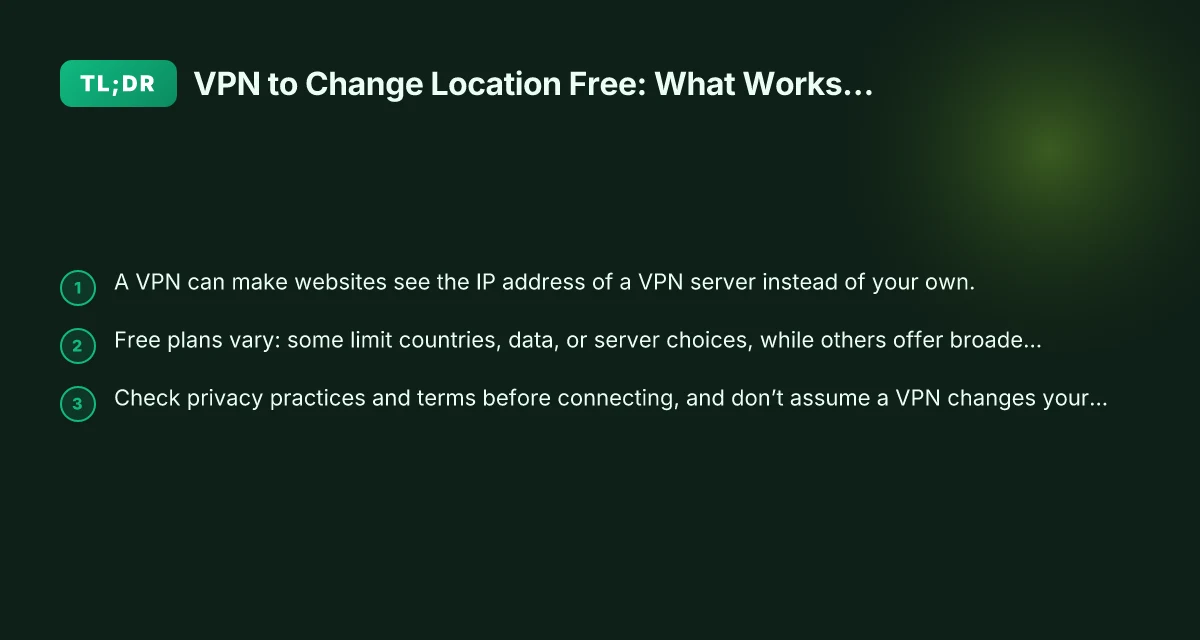
A VPN to change location free can route your internet traffic through a server in another country, so websites may see that server’s IP address rather than the IP address assigned by your internet provider. Whether you can choose a particular country depends on the provider’s free plan. Free options can be useful for basic privacy or testing a connection, but they differ in server access, data limits, speed, and privacy protections.
How Free VPN Options Compare
| Option | Location control | Data or speed limits | Privacy checks | Best suited for |
|---|---|---|---|---|
| Free VPN with several servers | Choose from listed locations | Often limited | Review logging policy | Occasional browsing |
| Free VPN with one server | Little choice | May be limited | Check provider background | Basic IP masking |
| Free plan from a paid VPN | Depends on plan | Usually restricted | Check plan terms | Trying a known service |
| Browser-based VPN or proxy | Often browser-only | Varies | Check what traffic is covered | Limited web browsing |
| Random free VPN app | Unclear | Varies | Higher need for scrutiny | Avoid unless verified |
| Paid VPN trial | Often broader choice | Trial terms apply | Check renewal and cancellation | Short-term location testing |
Compiled November 2026; check the provider's site for current details.
| VPN | Obfuscation | From / month | Plan | Free plan | Refund | Alipay | UnionPay | Crypto | Website opens in China | Trustpilot | |
|---|---|---|---|---|---|---|---|---|---|---|---|
 Proton VPN | Turn on manually Stealth, free plan too | $2.99/mo | 12 months: $35.88 | Yes | 30 days | ✗ | ✗ | ✗ | ✓ | ✗ Blocked | 2.1/5 (1,040 reviews) |
 ZoogVPN | Turn on manually Shadow | $2.49/mo | 27 months: $59.99 | Yes | 7 days | ✓ | ✓ | ✓ | ✓ | Official site blocked; our special link opens (4.4 s) | 4.2/5 (195 reviews) |
 NordVPN | Turn on manually Obfuscated Servers / NordWhisper | $3.49/mo | 27 months: $94.23 | No | 30 days | ? | ✗ | ✓ | ✓ | ✗ Blocked | 4.2/5 (51,628 reviews) |
 ExpressVPN | ✓ On by default all servers | $3.00/mo | 28 months: $84 | No | 30 days | ✗ | ✗ | ✓ | ✗ | ✗ Blocked | 4.4/5 (29,706 reviews) |
 Surfshark | ✓ On by default Camouflage, with OpenVPN | See site | See site | No | 30 days | ✗ | ✗ | ✗ | ✓ | ✗ Blocked | 4.3/5 (31,823 reviews) |
 Astrill VPN | Turn on manually StealthVPN / OpenWeb | $12.50/mo | 24 months: $300 | No | See site | ✗ | ✗ | ✗ | ✓ | ✗ Blocked | 1.3/5 (110 reviews) |
 Private Internet Access | Turn on manually Shadowsocks, OpenVPN only | $2.03/mo | 40 months: $81.2 | No | 30 days | ✗ | ✗ | ✗ | ✗ | ✗ Blocked | 4.2/5 (11,033 reviews) |
 CyberGhost | Turn on manually selected servers | $2.19/mo | 28 months: $61.32 | No | 45 days | ✗ | ✗ | ✗ | ✓ | ✗ Blocked | 4.0/5 (24,178 reviews) |
 PureVPN | Turn on manually switch to OpenVPN | $1.69/mo | 60 months: $101.55 | No | 31 days | ? | ? | ✗ | ✓ | ✗ Blocked | 4.4/5 (17,994 reviews) |
 AdGuard VPN | ✓ On by default TrustTunnel | $2.99/mo | 24 months: $71.76 | Yes | 30 days | ✓ | ✗ | ✓ | ✓ | Official site blocked; our special link opens (3.7 s) | 4.3/5 (290 reviews) |
 Mullvad | Turn on manually QUIC / Shadowsocks / LWO | $5.61/mo | €5/mo | No | 14 days | ✗ | ✗ | ✗ | ✓ | ✗ Blocked | 3.2/5 (192 reviews) |
 Windscribe | Turn on manually Stealth / WStunnel | $5.75/mo | 12 months: $69 | Yes | See site | ✗ | ✗ | ✗ | ✓ | ✗ Blocked | 4.7/5 (13,355 reviews) |
 StrongVPN | Turn on manually Scramble, OpenVPN TCP | See site | See site | No | 30 days | ✓ | ✗ | ✗ | ✗ | ✗ Blocked | 4.4/5 (2,695 reviews) |
 LightXtreme 闪连 | Not listed | $7.08/mo | 12 months: $84.99 | Yes | 30 days | ✓ | ✓ | ✓ | ✓ | ✓ Yes (3.5 s) | No page |
Prices checked 2026-11-10 on each vendor's pricing page (cheapest long plan, USD). Check the vendor's checkout for the final price.
Obfuscation checked 2026-11-14 on each vendor's site and help center: "on by default" = nothing to set; "turn on manually" = switch protocol or mode in settings; "not listed" = the vendor describes no obfuscation.
Payment methods checked 2026-11-10 on each vendor's payment pages: all 14 take cards and PayPal; ✗ = not listed, ? = the vendor's own pages disagree.
China access: whether the official website opens from mainland China networks (tests the website only, not the VPN connection). Last checked 2026-11-18 01:02 Beijing time.
Trustpilot score and review count checked 2026-11-10.
How a VPN changes your apparent location
When you connect to a VPN, your internet traffic travels through a VPN server before reaching a website or app. The website generally sees the server’s public IP address, which may be associated with a different city or country from yours.
That can change your IP-based location. It does not necessarily change your phone’s GPS location, the country set in your account, or other location signals. Apps and websites may use several clues, including GPS permissions, Wi-Fi data, billing details, and account settings.
A VPN also isn’t a guarantee that a service will show different content. Streaming, music, and other platforms may use their own rules and may restrict access based on licensing, account details, or VPN detection.
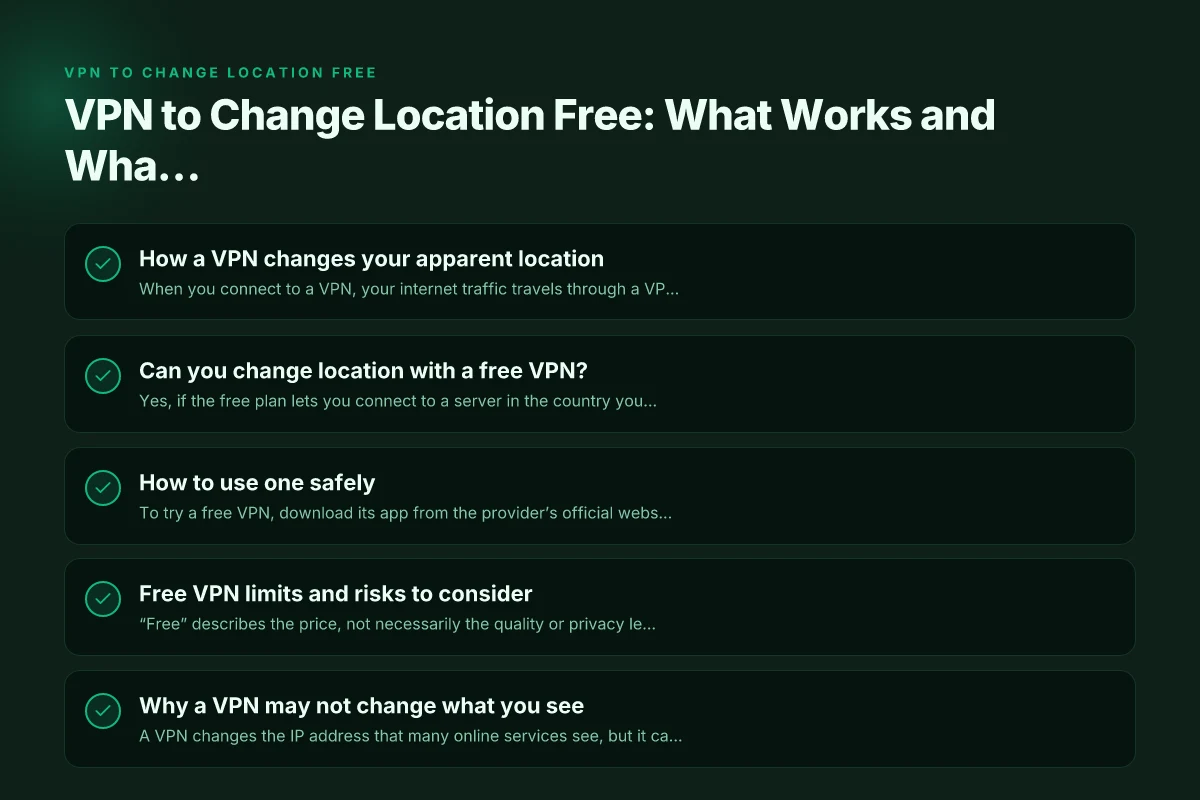
Can you change location with a free VPN?
Yes, if the free plan lets you connect to a server in the country you want. Some free services offer only a limited selection of locations. Others advertise access to a much wider range. Always check the current plan details, because available locations and features can vary. How Can I Tell If a VPN Is Blocking My Internet?
The search results highlight two contrasting examples. Proton VPN says its free plan has no data limit, ads, or logs of user activity. UrbanVPN advertises 82 VPN countries and unlimited server and location switches. These are provider claims, so review each service’s current terms and privacy information before signing up.
| What to compare | Why it matters |
|---|---|
| Country selection | You need a server in the location you want to appear to use. |
| Data limits | A monthly cap can make frequent browsing or media use impractical. |
| Server switching | Some free plans restrict how often or where you can switch. |
| Privacy policy | Check what information the provider collects and retains. |
| Ads and other limits | Free access may come with trade-offs, so understand them first. |
A service that offers many locations may not be the best fit if its privacy practices are unclear. Likewise, a privacy-focused plan may not offer the country selection you need.
Checks Before Using a Free VPN
| Check | What to look for | Why it matters | If unclear |
|---|---|---|---|
| Provider identity | Clear company and contact details | Helps assess accountability | Choose another provider |
| Logging policy | Specific explanation of stored data | A VPN can still collect activity data | Avoid sensitive use |
| Permissions | Only necessary device access | Excess permissions can expose data | Deny or uninstall |
| Encryption and protocol | Clear security information | Helps protect traffic in transit | Do not assume protection |
| Data limits | Stated allowance or restrictions | Limits may interrupt use | Check before streaming |
| Server locations | Locations listed in the app or plan | Determines available IP regions | Expect limited choice |
| Independent review | Credible security assessment | Adds evidence beyond marketing | Treat claims cautiously |
| Cancellation terms | Clear trial and renewal rules | Helps prevent unwanted charges | Skip unclear offers |
Compiled November 2026; check the provider's site for current details. NordVPN for Windows: How to Download, Install, and Use It
How to use one safely
To try a free VPN, download its app from the provider’s official website or a trusted app store. Create an account if required, review the permissions, and choose a server location available on the free plan.
Then:
- Connect before opening the website or app you want to use.
- Check that the VPN app says the connection is active.
- Confirm your apparent IP location using a reputable IP-checking service.
- Disconnect if the connection fails or you no longer need it.
- Avoid entering sensitive information on unfamiliar services just because a VPN is active.
A VPN protects the connection between your device and the VPN server, but it does not make you anonymous. Websites can still identify you through logins, cookies, browser settings, and other information. It also doesn’t replace secure passwords, software updates, or careful browsing.
Free VPN limits and risks to consider
“Free” describes the price, not necessarily the quality or privacy level. Some services limit data, speed, or server choice. Others may rely on advertising or collect information under terms you should understand before using them. Microsoft Edge Secure Network VPN Reviews: Is It Safe and Worth Using?
Before connecting, look for clear answers to these questions:
- Does the provider explain what data it collects?
- Does it say how long that data is retained?
- Are the free-plan limits clearly stated?
- Does the app request permissions that make sense for a VPN?
- Is there an easy way to contact the provider or read its support information?
Be cautious of apps promising unlimited access to every country without explaining how the service works or how it is funded. Don’t treat broad location claims as proof of strong privacy. Read the policy and check the app’s reputation before relying on it.
Why a VPN may not change what you see
A VPN changes the IP address that many online services see, but it can’t override every location check. A website may continue to show your usual region if you’re signed in to an account associated with it, or if the service uses device location or other signals.
If your goal is to access a particular app or service, check its terms and location requirements. Changing your IP address may not make content available, and using a VPN to get around a service’s restrictions may violate its rules. Nord VPN in China: What to Know Before You Travel
If your goal is to change your phone’s GPS location, a VPN alone won’t do that. A VPN and a device location setting perform different functions.
If a VPN Does Not Change What You See
| Possible cause | What you may notice | What to check | Useful next step |
|---|---|---|---|
| VPN is disconnected | Original location still appears | App status and system indicator | Reconnect |
| Wrong server selected | Content reflects another region | Selected server location | Choose the intended location |
| Website uses account settings | Same catalog after connecting | Profile country or account region | Review account settings |
| Browser location access | Site still detects your area | Browser location permission | Block location access if appropriate |
| Cookies or cached data | Old region persists | Site data and browser cache | Clear site data, then reload |
| DNS or IP leak | Location-related services disagree | VPN leak protection settings | Enable protection or contact support |
| Service blocks VPN traffic | Error or unavailable content | Service rules and VPN status | Use permitted access methods |
| App or device issue | VPN appears active but results vary | Updates and network settings | Restart and test another network |
Compiled November 2026; check the provider's site for current details.
Recommendation
For a free VPN to change your apparent location, start by confirming that the free plan includes the country you need, then compare privacy terms, data limits, and switching rules. Proton VPN advertises a free plan with no data limit, ads, or logs of user activity, while UrbanVPN advertises a broader list of locations and unlimited switching. Review their current details rather than relying on a headline claim, and remember that a VPN changes IP-based location, not necessarily GPS or account location. Does Microsoft Edge Have VPN? What Edge Secure Network Can Do