VPN extension edge free(2026)

Find a free VPN extension for Microsoft Edge, understand its limits, and choose one with privacy and security in mind.
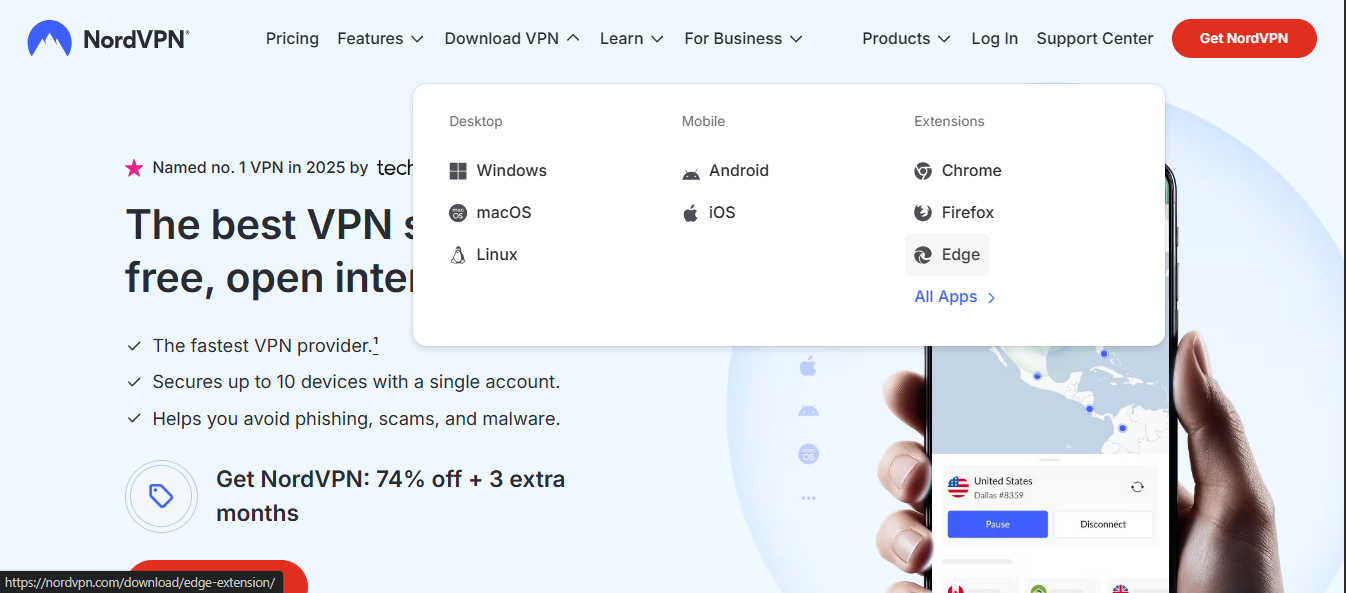
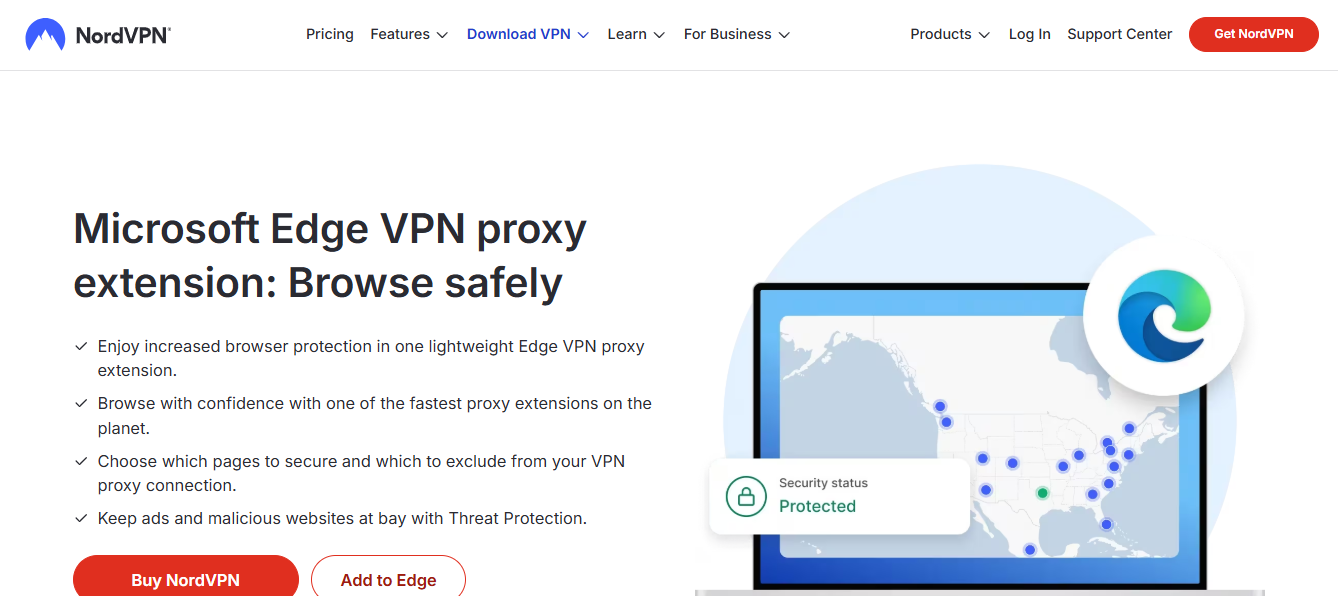
If you’re looking for a VPN extension Edge free, you can find options in the Microsoft Edge Add-ons store. Services listed in current results include VeePN and Browsec VPN, while VuzeVPN and FreeVPNPlanet also advertise Edge extensions. Before choosing one, check what the free version includes and how the provider handles your data. A free extension can be convenient for browser use, but it may not offer the same coverage as a full VPN app.
| VPN | Obfuscation | From / month | Plan | Free plan | Refund | Alipay | UnionPay | Crypto | Website opens in China | Trustpilot | |
|---|---|---|---|---|---|---|---|---|---|---|---|
 ZoogVPN | Turn on manually Shadow | $2.49/mo | 27 months: $59.99 | Yes | 7 days | ✓ | ✓ | ✓ | ✓ | Official site blocked; our special link opens (4.4 s) | 4.2/5 (195 reviews) |
 NordVPN | Turn on manually Obfuscated Servers / NordWhisper | $3.49/mo | 27 months: $94.23 | No | 30 days | ? | ✗ | ✓ | ✓ | ✗ Blocked | 4.2/5 (51,628 reviews) |
 ExpressVPN | ✓ On by default all servers | $3.00/mo | 28 months: $84 | No | 30 days | ✗ | ✗ | ✓ | ✗ | ✗ Blocked | 4.4/5 (29,706 reviews) |
 Surfshark | ✓ On by default Camouflage, with OpenVPN | See site | See site | No | 30 days | ✗ | ✗ | ✗ | ✓ | ✗ Blocked | 4.3/5 (31,823 reviews) |
 Proton VPN | Turn on manually Stealth, free plan too | $2.99/mo | 12 months: $35.88 | Yes | 30 days | ✗ | ✗ | ✗ | ✓ | ✗ Blocked | 2.1/5 (1,040 reviews) |
 Astrill VPN | Turn on manually StealthVPN / OpenWeb | $12.50/mo | 24 months: $300 | No | See site | ✗ | ✗ | ✗ | ✓ | ✗ Blocked | 1.3/5 (110 reviews) |
 Private Internet Access | Turn on manually Shadowsocks, OpenVPN only | $2.03/mo | 40 months: $81.2 | No | 30 days | ✗ | ✗ | ✗ | ✗ | ✗ Blocked | 4.2/5 (11,033 reviews) |
 CyberGhost | Turn on manually selected servers | $2.19/mo | 28 months: $61.32 | No | 45 days | ✗ | ✗ | ✗ | ✓ | ✗ Blocked | 4.0/5 (24,178 reviews) |
 PureVPN | Turn on manually switch to OpenVPN | $1.69/mo | 60 months: $101.55 | No | 31 days | ? | ? | ✗ | ✓ | ✗ Blocked | 4.4/5 (17,994 reviews) |
 AdGuard VPN | ✓ On by default TrustTunnel | $2.99/mo | 24 months: $71.76 | Yes | 30 days | ✓ | ✗ | ✓ | ✓ | Official site blocked; our special link opens (3.7 s) | 4.3/5 (290 reviews) |
 Mullvad | Turn on manually QUIC / Shadowsocks / LWO | $5.61/mo | €5/mo | No | 14 days | ✗ | ✗ | ✗ | ✓ | ✗ Blocked | 3.2/5 (192 reviews) |
 Windscribe | Turn on manually Stealth / WStunnel | $5.75/mo | 12 months: $69 | Yes | See site | ✗ | ✗ | ✗ | ✓ | ✗ Blocked | 4.7/5 (13,355 reviews) |
 StrongVPN | Turn on manually Scramble, OpenVPN TCP | See site | See site | No | 30 days | ✓ | ✗ | ✗ | ✗ | ✗ Blocked | 4.4/5 (2,695 reviews) |
 LightXtreme 闪连 | Not listed | $7.08/mo | 12 months: $84.99 | Yes | 30 days | ✓ | ✓ | ✓ | ✓ | ✓ Yes (3.5 s) | No page |
Prices checked 2026-11-10 on each vendor's pricing page (cheapest long plan, USD). Check the vendor's checkout for the final price.
Obfuscation checked 2026-11-14 on each vendor's site and help center: "on by default" = nothing to set; "turn on manually" = switch protocol or mode in settings; "not listed" = the vendor describes no obfuscation.
Payment methods checked 2026-11-10 on each vendor's payment pages: all 14 take cards and PayPal; ✗ = not listed, ? = the vendor's own pages disagree.
China access: whether the official website opens from mainland China networks (tests the website only, not the VPN connection). Last checked 2026-11-18 01:02 Beijing time.
Trustpilot score and review count checked 2026-11-10.
Is there a free VPN extension for Microsoft Edge?
Yes. Microsoft Edge users can install VPN extensions from the Edge Add-ons store. These add-ons route supported browser traffic through a VPN service, which can help mask your IP address from websites and protect browsing on some networks.
The Edge Add-ons store lists a free VeePN extension and a Browsec VPN extension. Other providers, including VuzeVPN and FreeVPNPlanet, promote extensions for Edge on their own websites. Availability, features, and terms can change, so check the current listing and provider details before installing.
Does Edge include a free VPN?
A VPN extension is not the same as a VPN built into the browser. Edge users can add third-party extensions, but they should check the publisher, privacy policy, permissions, and terms. Do not assume that an extension is provided or endorsed by Microsoft simply because it appears in the Edge Add-ons store.
What can a free Edge VPN extension do?
Depending on the provider and plan, an extension may help you: nord VPN for pc(2026)
- Mask your IP address from websites you visit.
- Encrypt supported browser traffic between your device and the VPN service.
- Browse on public Wi-Fi with an added layer of protection.
- Access websites that may be unavailable on your usual connection, subject to local laws and the provider’s terms.
A VPN does not make you anonymous. Websites may still identify you through account logins, cookies, browser settings, or other signals. A VPN also cannot protect you from every threat, such as phishing links or malware you choose to download.
Browser extension versus full VPN app
A browser extension generally applies to traffic handled by the browser. A full VPN app can usually cover more of your device’s internet traffic, depending on its settings and operating system. If you need protection for apps beyond Edge, check whether the provider offers a separate desktop app and what its free plan covers.
| Feature | Edge VPN extension | Full VPN app |
|---|---|---|
| Main coverage | Browser traffic, depending on setup | Often traffic from multiple apps |
| Installation | Added to Microsoft Edge | Installed on the device |
| Useful for | Browser-focused privacy needs | Broader device-level coverage |
| What to verify | Permissions and extension policy | App settings and system permissions |
Free VPN options for Edge to check
The search results include several providers that advertise free Edge access. Their claims are not a guarantee of suitability, so review the current terms before use.
| Provider | What the search results say | What to check |
|---|---|---|
| VeePN | Advertises a free VPN extension for Edge and describes private browsing and unlimited data | Confirm free-plan features, logging terms, and any restrictions |
| Browsec VPN | Its Edge Add-ons listing describes private browsing and IP protection | Check the listing’s permissions, policy, and available locations |
| VuzeVPN | Promotes an Edge extension with unlimited access | Verify what “unlimited” covers and whether additional terms apply |
| FreeVPNPlanet | Promotes an Edge extension and says no registration or account is required | Read its privacy policy and confirm current installation requirements |
Features can differ by location, account status, and plan. Marketing phrases such as “unlimited,” “no logs,” or “secure” should be checked against the provider’s privacy policy and terms. Do not rely on a headline alone to determine how data is handled. VPN extension for edge free(2026)
How to choose a free VPN extension
Use a few practical checks before adding an extension to your browser:
- Use a trusted source: Prefer the Microsoft Edge Add-ons store or the provider’s official website.
- Check the publisher: Make sure the developer name matches the provider you intend to use.
- Read the privacy policy: Look for what data is collected, how long it is retained, and whether it is shared.
- Review permissions: Be cautious if the extension requests access that seems unrelated to its VPN function.
- Check free-plan limits: Confirm whether data, server locations, speed, or usage features are restricted.
- Look at recent reviews: Treat reviews as one signal, not proof of privacy or security.
- Keep Edge updated: Updates can include security improvements for the browser and its extensions.
A VPN provider must handle your connection in order to route it, so trust matters. If the provider gives little information about its company, policies, or support, consider choosing another option.
How to install and use one safely
To add an extension, open Microsoft Edge and visit the Edge Add-ons store. Search for the provider’s exact name, open its listing, and check the publisher and permissions. Select the option to install the extension, then follow its setup prompts.
After installation: free VPN edge extension(2026)
- Open the extension from Edge’s toolbar.
- Review any account or consent screens before continuing.
- Connect to a location offered by the service.
- Confirm that the extension shows an active connection before browsing.
- Disconnect when you no longer need it, especially if you notice a connection problem.
If a website behaves unexpectedly, disconnect the VPN and test again. Avoid entering sensitive information on a site you do not trust, whether or not a VPN is active. For important activities, consider whether you need a reputable full-device VPN rather than a browser-only extension.
Recommendation
A free VPN extension for Microsoft Edge can be useful when you want a browser-focused option without paying upfront. Start with a listing in the Edge Add-ons store, compare the provider’s privacy policy and free-plan terms, and choose only an extension whose permissions and data practices you understand. If you need coverage beyond Edge, look for a full VPN app and verify what its plan protects.