English VPN Guides for Windows and Mac
Updated
English-language VPN guides for Windows and Mac, with practical setup steps, desktop app comparisons, browser extension checks, and privacy basics.
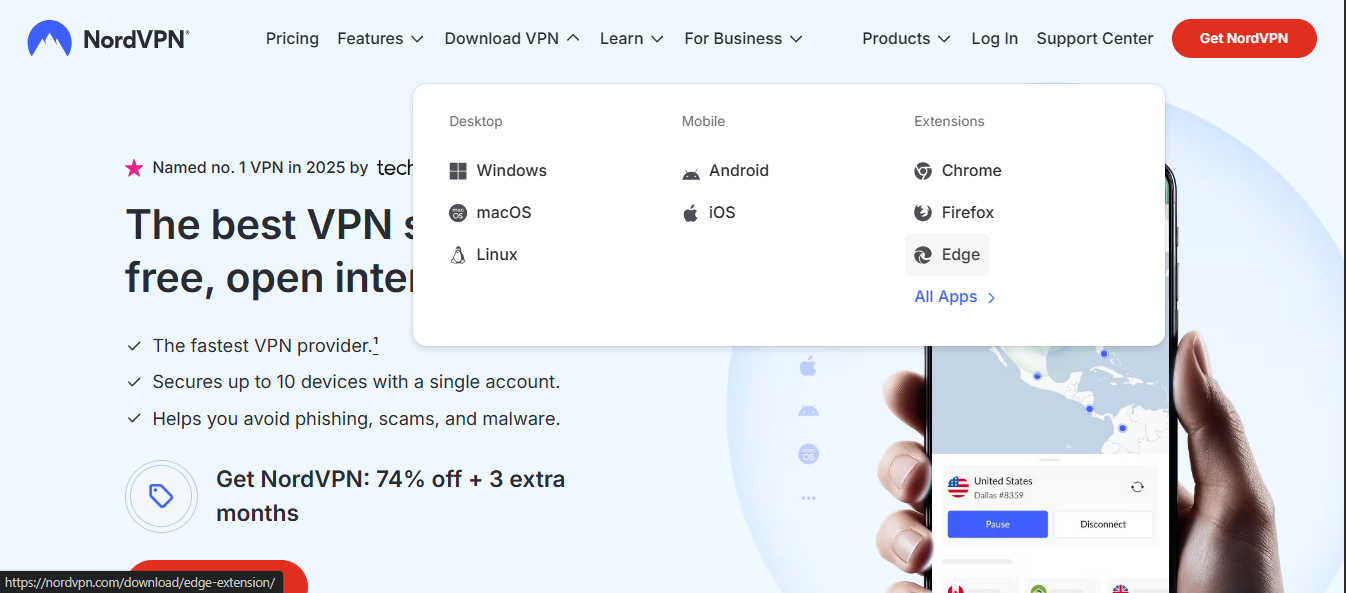
This section covers practical VPN guidance for Windows and Mac users, from choosing a service to installing its desktop app and checking browser protection. Its main topic clusters are desktop VPN selection, Windows setup, macOS setup, browser extensions, connection settings, and basic privacy checks. The intended audience is English-speaking readers who want clear steps for everyday computer use, including people comparing familiar services such as NordVPN and ExpressVPN.
Desktop VPN services at a glance
| Service | Windows app | Mac app | Browser option | Setup guide focus |
|---|---|---|---|---|
| ExpressVPN | Not specified | Not specified | Not specified | Desktop setup |
| NordVPN | Not specified | Not specified | Not specified | Desktop setup |
| Surfshark | Not specified | Not specified | Not specified | Desktop setup |
| Proton VPN | Not specified | Not specified | Not specified | Desktop setup |
| CyberGhost | Not specified | Not specified | Not specified | Desktop setup |
| Private Internet Access | Not specified | Not specified | Not specified | Desktop setup |
Compiled November 2026; check the provider's site for current details.
What this section covers
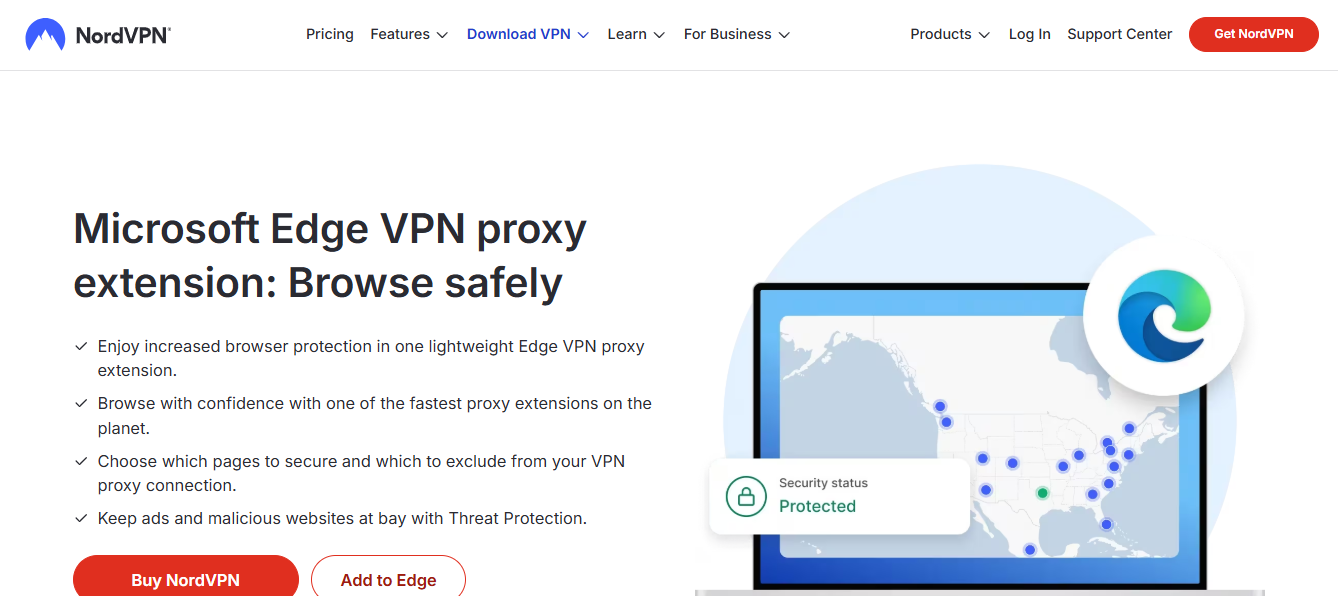
The focus is the computer in front of you: which app to download, how to install it, and what to check before connecting. Current posts include NordVPN installation on a PC and a safety-minded look at free VPN extensions for Microsoft Edge. Related guidance can address app versions, sign-in, protocol choices, auto-connect, kill switches, and common connection problems on Windows and Mac.
We distinguish a full desktop app from a browser extension. A desktop VPN can route traffic from multiple programs on the computer, while an extension usually covers browser activity and may not protect other applications. That difference matters when deciding whether a browser add-on is enough for a particular task. Readers should also check an extension’s publisher, permissions, privacy policy, and whether its free tier has limits before installing it.
- Choosing a provider: compare app support, privacy disclosures, server availability, and subscription terms.
- Windows installation: download the installer, sign in, connect, and review security settings.
- Mac setup: install the macOS app and confirm the permissions it requests.
- Browser extensions: understand what Edge add-ons protect and what remains outside the browser.
- Connection controls: learn how protocols, auto-connect, and kill switches affect use.
- Troubleshooting: check account access, app updates, network conflicts, and support instructions.
Desktop services at a glance
The table is a comparison framework, not a ranking. Prices change with promotions, billing length, taxes, and renewal terms, so confirm the checkout total before subscribing. We do not assign current prices where the available source information does not provide a verified figure.
| Service or option | Desktop coverage | Useful check |
|---|---|---|
| NordVPN | Windows and macOS apps | Review the installer, protocol, auto-connect, and kill switch settings. |
| ExpressVPN | Windows and macOS apps | Compare supported operating systems, subscription length, and renewal price. |
| Microsoft Edge VPN extension | Browser extension | Check the publisher, permissions, traffic scope, and free-tier limits. |
| Built-in operating-system VPN | Windows or macOS configuration | Confirm that you have compatible server details and account credentials. |
Choose a guide by your setup needs Nord VPN for PC: How to Download, Install, and Use It
| Need | Windows setup | Mac setup | Browser setup | Privacy basics |
|---|---|---|---|---|
| Install a desktop app | Covered | Covered | Not the focus | Not the focus |
| Configure a VPN connection | Covered | Covered | Not the focus | Not the focus |
| Use a browser extension | Not the focus | Not the focus | Covered | Not the focus |
| Understand privacy considerations | Not the focus | Not the focus | Not the focus | Covered |
| Compare desktop services | Covered | Covered | Not the focus | Not the focus |
| Find platform-specific steps | Windows-focused | Mac-focused | Browser-focused | General |
Compiled November 2026; check the provider's site for current details.
How to approach a Windows setup
For NordVPN, the supplied support instructions describe downloading the Windows app, opening the Downloads folder, and running NordVPNInstall.exe. The exact prompts can vary by app version and Windows configuration. Use the provider’s official support instructions rather than an installer mirror, then sign in with the account associated with the subscription.
- Check that your computer meets the app’s current system requirements.
- Download the Windows installer from the provider’s official source.
- Open Downloads and run the installer, then follow its on-screen prompts.
- Launch the app and sign in; review protocol, auto-connect, and kill switch options.
- Connect to a location and confirm that the app reports an active connection.
Installation is only the first check. If a connection fails, confirm that the app is updated, test another available server, and review whether another security or network tool is interfering. A VPN does not make every activity anonymous, and it cannot protect traffic that falls outside its coverage or fix an unsafe account password.
Mac, browser, and privacy basics
Mac guidance follows the same practical pattern: identify the correct app, install it through the provider’s official channel, sign in, and inspect the permissions requested by macOS. Keep the operating system and VPN app updated, especially when setup instructions mention a particular release or legacy version. If a provider offers a separate browser extension, check whether it requires the desktop app and what traffic it handles. VPN Extension for Edge Free: How to Choose One Safely
Privacy claims deserve careful reading. Compare the provider’s stated logging practices, independent audit information where available, account requirements, and cancellation terms. A VPN changes the route between your device and online services; it does not remove tracking by websites, protect a compromised computer, or replace HTTPS. Use it as one part of a broader security routine, alongside software updates and unique passwords.
Who the guides are for
| Reader | Best starting point | Platform fit | Main goal | Guide style |
|---|---|---|---|---|
| New Windows VPN user | Windows setup | Windows | Get started | Step-by-step |
| New Mac VPN user | Mac setup | Mac | Get started | Step-by-step |
| Browser-first user | Browser basics | Browser | Explore browser options | Practical |
| Privacy-conscious reader | Privacy basics | Windows or Mac | Understand privacy | Explanatory |
| Service shopper | Desktop services at a glance | Windows or Mac | Compare options | Overview |
| Reader changing platforms | Platform-specific guides | Windows and Mac | Find relevant steps | Platform-focused |
Compiled November 2026; check the provider's site for current details.
Who the guides are for
This page is for readers who want understandable computer-focused instructions rather than claims that one service fits everyone. A first-time user may need a reliable installation walkthrough; a more experienced user may be comparing a browser extension with a full app or checking a kill switch before travel. We keep the emphasis on steps and trade-offs, including the distinction between product features and independently verified facts.
Before paying, compare the displayed price in US dollars, billing period, introductory offer, renewal amount, refund conditions, and the number of devices covered. No current USD price is stated here because the available source material does not establish one. For a useful decision, read the relevant setup post, check the provider’s current terms, and make sure the app supports the exact version of Windows or macOS on your computer.
English
- VPN
Nord VPN for PC: How to Download, Install, and Use It
Learn how to download NordVPN for a Windows PC, install the app, connect securely, and understand key limitations.
邵景行 · November 27, 2026
- VPN
VPN Extension for Edge Free: How to Choose One Safely
Find a free VPN extension for Microsoft Edge, compare popular options, and learn what to check before installing.
岑若溪 · November 27, 2026